
Taming Memory in PlayBasic with the AMA Library
When you’re writing games or tools in PlayBasic, performance isn’t just about the flashy stuff you see on screen. Behind the scenes, the way you manage memory can make or break your frame rate — and your sanity.
That’s where my Array Memory Allocation (AMA) library comes in. It’s a home-grown system that manages all your allocations inside a single, giant array. Think of it like having a huge storage unit that you divide into smaller lockers for your stuff, instead of renting a new storage unit every time you buy a box of cables.
The Problem with Dynamic Memory
PlayBasic, like most high-level languages, can allocate arrays and memory chunks on the fly. That’s fine for occasional use, but when you’re doing hundreds or thousands of small allocations in a game loop, it can become painfully slow.
The original inspiration for AMA came from some old DarkBasic code I wrote years ago. It worked, but it had some ugly performance quirks — I’m talking seconds-long delays for just a few hundred allocations. Not great when you’re trying to keep your game running at 60 FPS.
The AMA Approach
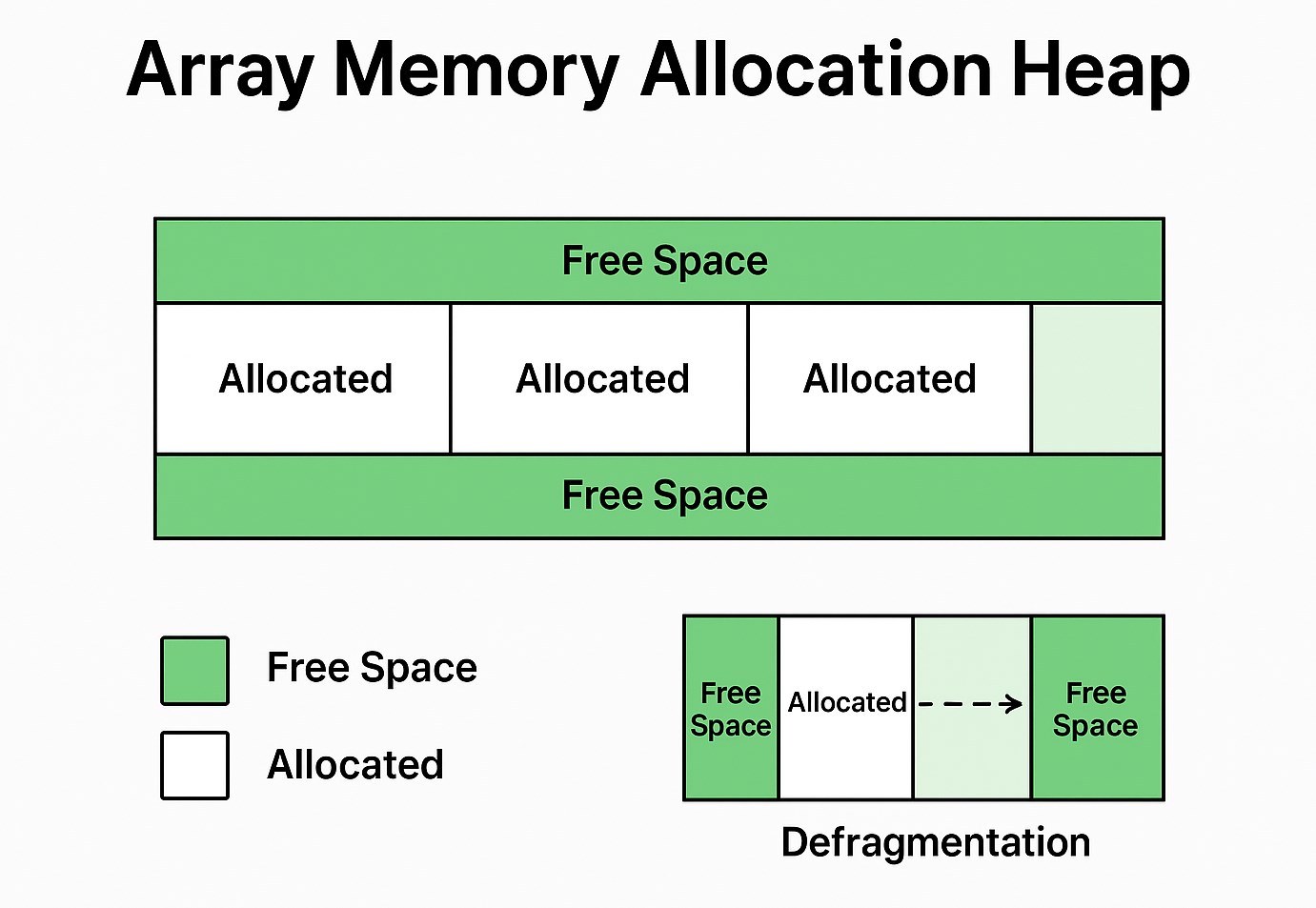
The AMA library flips the normal approach on its head:
This lets AMA skip the expensive “create a new array” step over and over, because the big array already exists — we’re just reassigning parts of it.
Why AMA still matters (even in PlayBASIC)
You’re right that PlayBASIC supports pointers. That said, AMA remains useful for several reasons:
Seeing It in Action
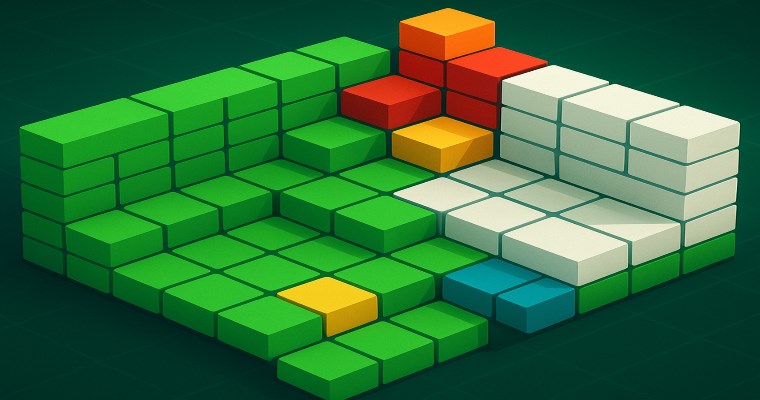
I’ve built in a color-coded heatmap so you can literally see what the allocator is doing:
When you watch it run, you can see allocations, frees, and defrags happening in real time at 20 FPS — even with 2,000 allocations and 66MB of data in pure PlayBasic code.
The Performance Payoff
In testing, AMA crushed the old brute-force method:
The magic here is using a sorted list for quick free-space lookups and only moving data when absolutely necessary. That combination delivers a big net gain without overcomplicating things.
Next Steps
I’m looking at squeezing even more speed out of the library by improving the copy routines — unrolling loops, copying larger words/blocks, or generating specialized copy code where beneficial. Every little gain adds up when you’re chasing performance.
Final Thought: Memory management might not be as flashy as a new shader or sprite effect, but when your game runs smoothly, you’ll be glad you gave it some love.


